Your clipboard history
stays on your Mac.
StashPaste stores clipboard history locally. License checks and software updates may contact external services; clipboard history is not synced to StashPaste cloud storage.
Four Architectural Pillars of Privacy
StashPaste stores clipboard history locally and provides controls for selected sensitive items. See the Privacy Policy for information about licensing and update requests.
Local Clipboard History
Clipboard history is stored on your Mac and is not synced to StashPaste cloud storage. License checks and software updates may use the network. The App does not send clipboard contents for telemetry.
Touch ID Vault
Selected items can be protected using Touch ID or another authentication method supported by macOS.
Smart Exclusions
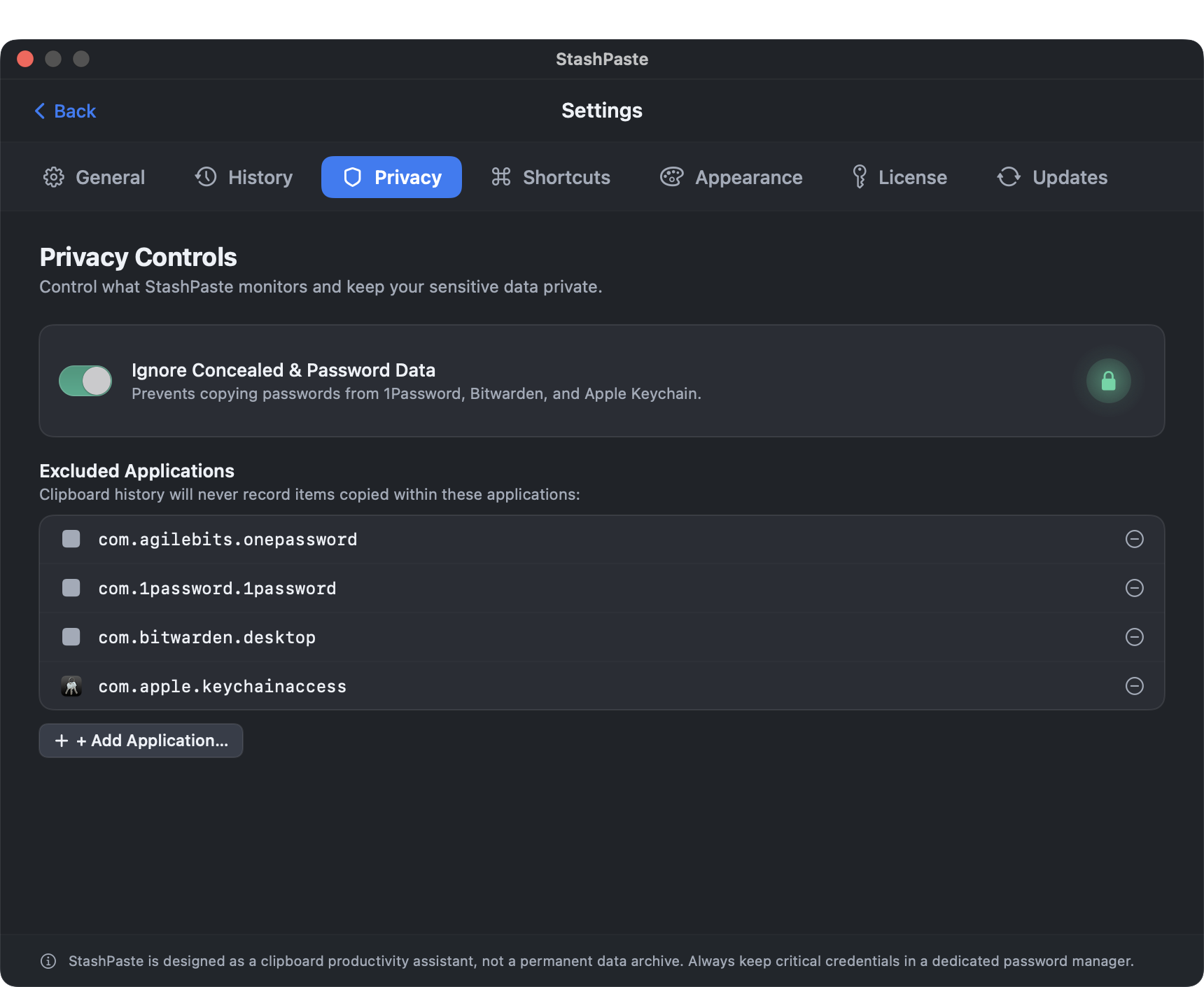
StashPaste can exclude supported password managers from capture. Exclusions may not prevent every capture; check settings before copying sensitive information.
Local Storage
Clipboard history is stored in a SQLite database on your Mac and is not synced to StashPaste cloud storage. Keep your own backups.
How to Independently Verify StashPaste
You don't need to take our word for it. Use macOS system tools or third-party packet monitors to inspect the network connections opened by StashPaste:
$ PID="$(pgrep -x -n StashPaste)"
# List only that process's network sockets:
$ [ -n "$PID" ] && lsof -nP -a -p "$PID" -i
→ Shows network sockets for one exact StashPaste process.
Filter by StashPaste to inspect its DNS lookups and network requests.